
 Priyanka Tiwari
 Share
Share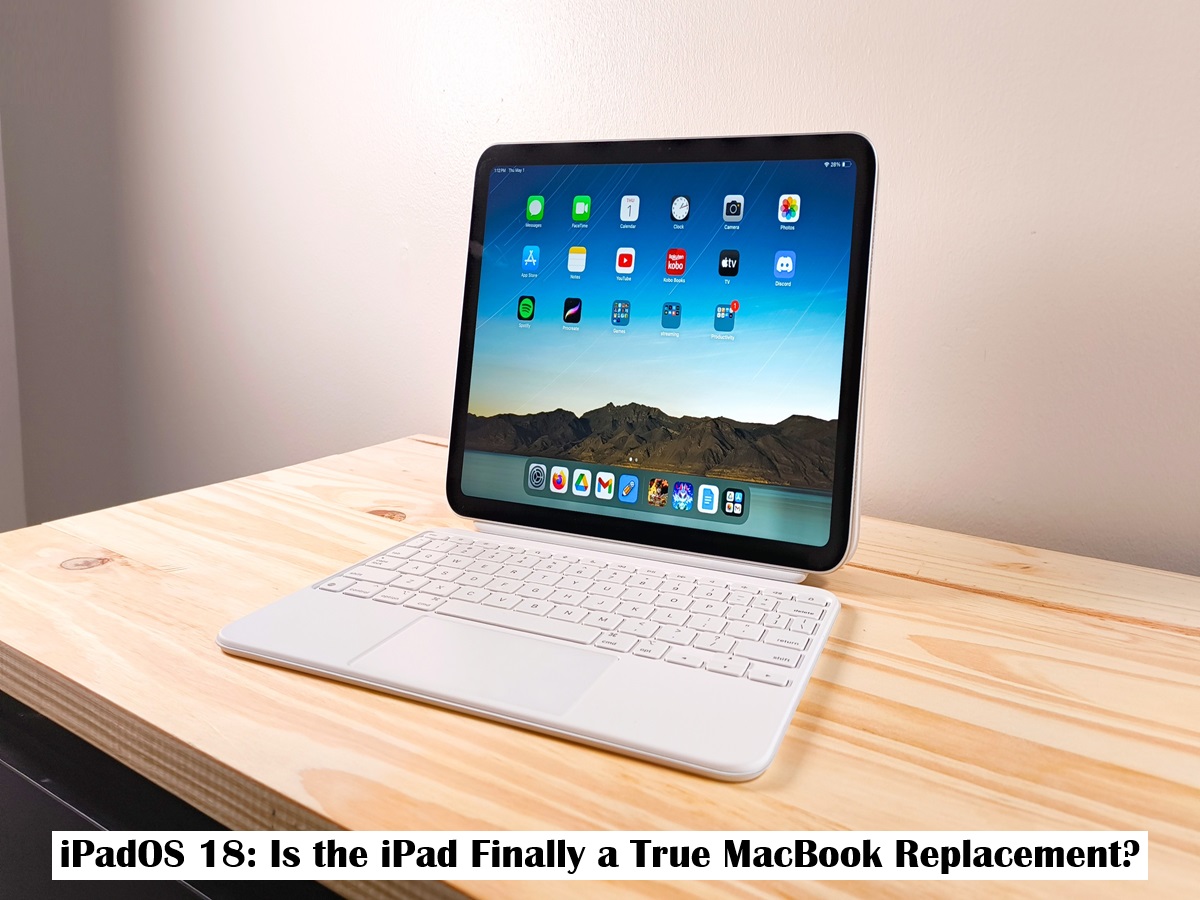
Suspense crime, Digital Desk : For years, the question has lingered in the tech world: can the iPad truly replace a laptop? With each new iteration of iPadOS, Apple has blurred the lines between its tablet and its MacBook line, but a few key limitations have always held the iPad back. Now, with the introduction of iPadOS 18, Apple has delivered its most compelling argument yet for the iPad as a primary computing device.
The latest software update is packed with features focused on productivity, customization, and intelligent tools that directly address long-standing user requests and significantly close the gap with the macOS experience.
Desktop-Level Customization Arrives
One of the most significant visual and functional changes in iPadOS 18 is the newfound freedom on the Home Screen. For the first time, users can place app icons and widgets anywhere they want, breaking free from the rigid grid that has defined the interface for over a decade. This, combined with a more customizable and modular Control Center, gives the iPad a level of personalization and control that feels much closer to a traditional desktop environment.
The Calculator and Math Notes: A Killer Combination
Perhaps the most impressive new feature is the long-awaited Calculator app, which arrives with a game-changing twist: Math Notes. Using an Apple Pencil, users can now write down complex equations or formulas by hand, and the iPad will solve them instantly, displaying the answer in the user's own handwriting. It can handle variables, charts, and even update results in real-time as you change parts of the equation. This powerful tool transforms the iPad into an indispensable device for students, engineers, scientists, and anyone who works with numbers.
Smarter Handwriting with Smart Script
Apple has also supercharged the note-taking experience with "Smart Script." This feature uses on-device machine learning to analyze and improve your handwriting as you write, making it smoother, straighter, and more legible. It can even mimic your personal style to correct spelling mistakes or add space seamlessly. Crucially, handwritten notes can now be edited and moved as easily as typed text, making the Apple Pencil an even more powerful input method.
A More Cohesive and Intuitive Interface
Across the OS, a new "floating tab bar" provides a more intuitive way to navigate apps, morphing into a sidebar when needed. This creates a less intrusive and more fluid user experience. The Photos app has also received a major redesign, unifying the entire library into a single, streamlined view that makes finding and reliving memories easier than ever.
While hardcore professionals requiring highly specialized desktop software may still lean on their MacBooks, iPadOS 18 makes a powerful case that for a vast majority of users—from students to creatives to business professionals—the iPad is no longer just a companion device. It's a capable, versatile, and now brilliantly intelligent machine ready to be their primary computer.