

Digital Identity Upgrade: Why You Need UIDAI's New Privacy-First Aadhaar App Right Now
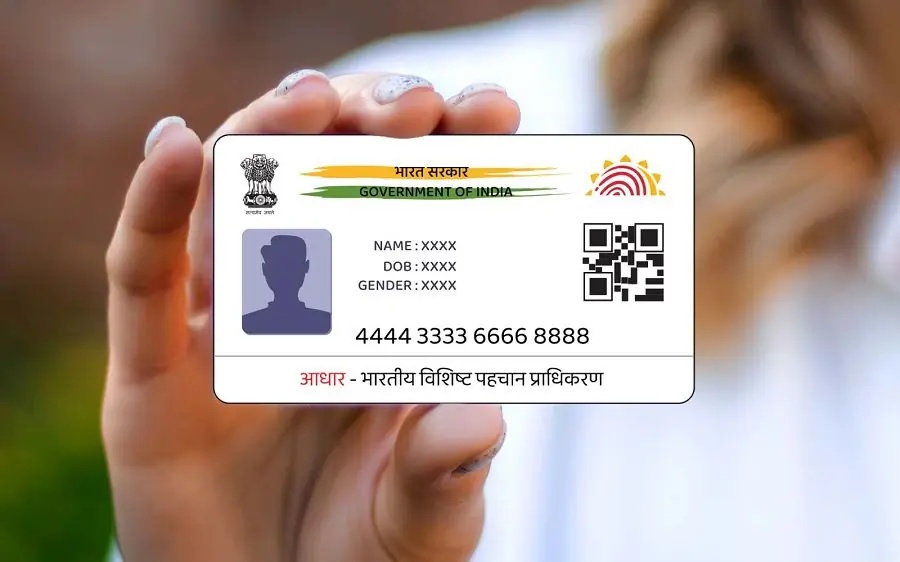
In a major push toward data protection and individual privacy, the Unique Identification Authority of India (UIDAI) officially launched its next-generation Aadhaar mobile application. This updated application replaces the older mAadhaar platform and changes how digital identity is verified in everyday scenarios. By prioritising the principles of the Digital Personal Data Protection (DPDP) Act, the app ensures that residents no longer need to hand over physical photocopies or expose their full identity details unnecessarily.
However, maximum digital safety depends heavily on user habits. Keep your application secure with a strong, regularly updated PIN. This is the first line of defence to protect your sensitive information if your device is lost or stolen.
Step-by-Step Guide: How to Reset Your Account Security PIN
Updating your digital lock takes less than two minutes and establishes a strong barrier against unauthorised access. Follow these straightforward steps to change your passcode:
- Launch and Authenticate: Step 1.
Open the official Aadhaar app on your smartphone and unlock the interface using your current credentials or biometric profile.
2. Navigate to Account Settings: Step 2.
Locate and tap the profile menu icon on the dashboard, then select the Settings menu.
3. Access Security Protocols: Step 3.
Inside the main settings panel, tap on Account Security to manage your credential keys.
4. Initiate PIN Change: Step 4.
Select the Change PIN feature. The app will prompt you to enter your existing PIN to verify ownership.
5. Establish a Strong Code: Step 5.
Type in your newly selected 6-digit passcode, re-enter it to confirm, and click save.
Security Tip: Avoid predictable patterns like your birth year, sequential combinations (like 1-2-3-4-5-6), or parts of your phone number. Select a unique combination that is easy for you to recall but completely unguessable to outsiders.
The Core Features Driving the 2026 Privacy Shift
The application introduces high-tier ecosystem functionalities built for swift verification:
Consent-Based Data Minimisation: You can now select exactly which demographic fields to share via encrypted parameters. For instance, you can confirm your legal age or address without exposing your entire identity file or primary number.
Offline QR Verification: The system generates dynamic, encrypted QR codes that let external verification entities instantly confirm authenticity, even in areas with no internet.
Face ID Integration: Routine onboarding and identity presence checks can now be authorised via advanced Face Authentication, reducing dependence on SMS-based OTP delivery.
One-Click Biometric Deadbolt: Users can instantly lock or unlock their fingerprint and iris verification capabilities directly from the mobile UI, preventing any remote biometric exploitation.
Authentication History Log: Transparently track where, when, and which agencies accessed your credential records over time.
One Family, One App: For enhanced convenience, a single mobile device can securely host up to five individual family profiles simultaneously.