










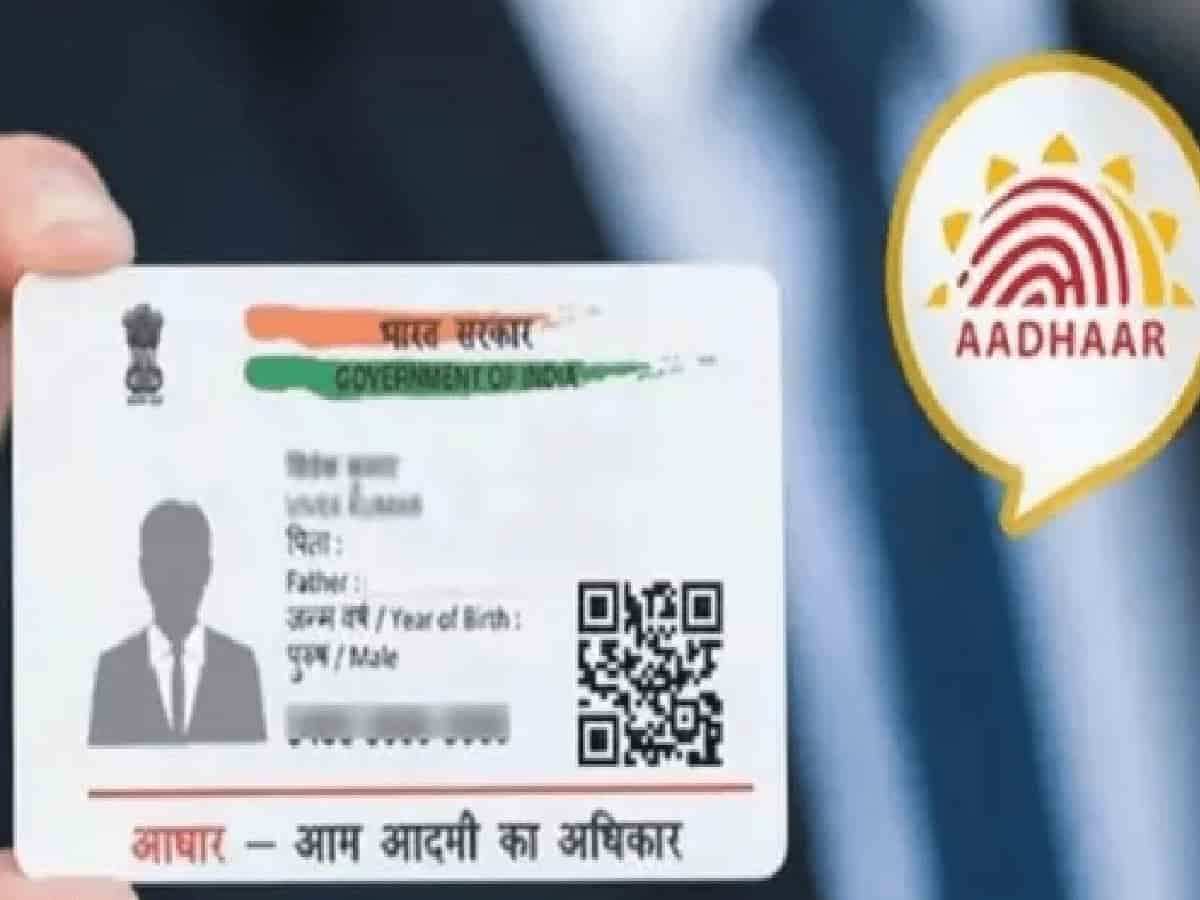
Aadhaar Mobile Number Update: Change Number From Home for Just ₹75
Updating an outdated mobile number linked to an Aadhaar card has historically meant booking an appointment, standing in queues at an Aadhaar Seva Kendra (ASK), and waiting for biometric verification. That inconvenience is now a thing of the past for millions of residents. Under a major digital convenience rollout by the Unique Identification Authority of India (UIDAI), Aadhaar holders can now update their registered mobile number directly from home using their smartphone through the official UIDAI 'Aadhaar' mobile application—for a nominal prescribed fee of just ₹75. Powered by OTP verification and on-device Face Authentication, the entire digital request takes barely five minutes to submit on an Android or iOS handset, eliminating the need to visit an enrolment center. Once submitted, UIDAI processes and reflects the updated mobile number in Aadhaar records within up to 15 days. However, citizens must keep one vital rule in mind before starting: remote app-based updates require active access to your previously registered mobile number. For residents, senior citizens, students, and banking customers across northern India—including households in Lucknow and neighboring Uttar Pradesh cities such as Unnao, Kanpur, Prayagraj, and Varanasi, where an active Aadhaar-linked mobile number is indispensable for banking KYC, Income Tax e-filing, EPFO services, and government welfare benefits—knowing how to complete this ₹75 self-service update saves both time and travel.
Step-by-Step Guide: How to Update Your Mobile Number in Aadhaar via Smartphone
Before beginning, ensure you download the official 'Aadhaar' app published by UIDAI (available on Google Play Store for Android 9.0+ and Apple App Store for iOS 16.0+ across 13 Indian languages) rather than third-party lookalikes, and keep both your active old SIM and new active SIM handy:
| Step | Action to Perform on the Official UIDAI 'Aadhaar' App | Important Verification & Fee Details |
| Step 1 | Download & Log In: Install the official Aadhaar App on your Android or iOS smartphone, enter your 12-digit Aadhaar number, complete onboarding, and log in using your secure 6-digit app PIN. | Ensure stable internet connectivity and good lighting for camera verification. |
| Step 2 | Open Services Menu: On the app's bottom navigation bar, tap on the 'Services' option. | Houses self-service features including Mobile Number Update, Address Update, and Biometric Lock. |
| Step 3 | Choose Mobile Number Update: Select 'Mobile Number Update', carefully read the on-screen eligibility guidelines, and tap 'Continue to Update Mobile Number'. | Review instructions regarding active registered number access before proceeding. |
| Step 4 | Enter & Verify New Number: Enter the new mobile number you wish to link and complete verification using the One-Time Password (OTP) sent to the new number (alongside OTP verification on the existing registered number if logged in via a different device number). | Both SIMs must be active to receive SMS OTPs promptly. |
| Step 5 | Complete Face Authentication: Follow the on-screen prompt to perform live Face Authentication using your smartphone's front camera. | Confirms your identity digitally without fingerprint or iris scanners. |
| Step 6 | Pay ₹75 Fee & Submit: Pay the official ₹75 update fee online via UPI, net banking, or card, submit your application, and save the generated Service Request Number (SRN) for tracking. | Submission takes ~5 minutes; database update completes within up to 15 days. |
What Should You Do If Your Old Registered Mobile Number Is Closed or Lost?
UIDAI regulations draw a strict security boundary between updating an active number and replacing a lost or deactivated SIM. If your previously registered mobile number is permanently closed, lost, or inaccessible—or if no mobile number was ever linked to your Aadhaar—you cannot complete the update through the Aadhaar app from home.
In any of those scenarios, you must visit your nearest Aadhaar Seva Kendra (ASK) or an authorized Aadhaar Enrolment and Update Centre in person, where an operator will authenticate your identity using fingerprint or iris biometrics and link your new mobile number for the same ₹75 statutory fee—requiring no separate physical address or identity documents.