


WhatsApp Rolls Out Browser-Based Calling; Introduces Call Transfer, Waiting Rooms, and QuickHD Features
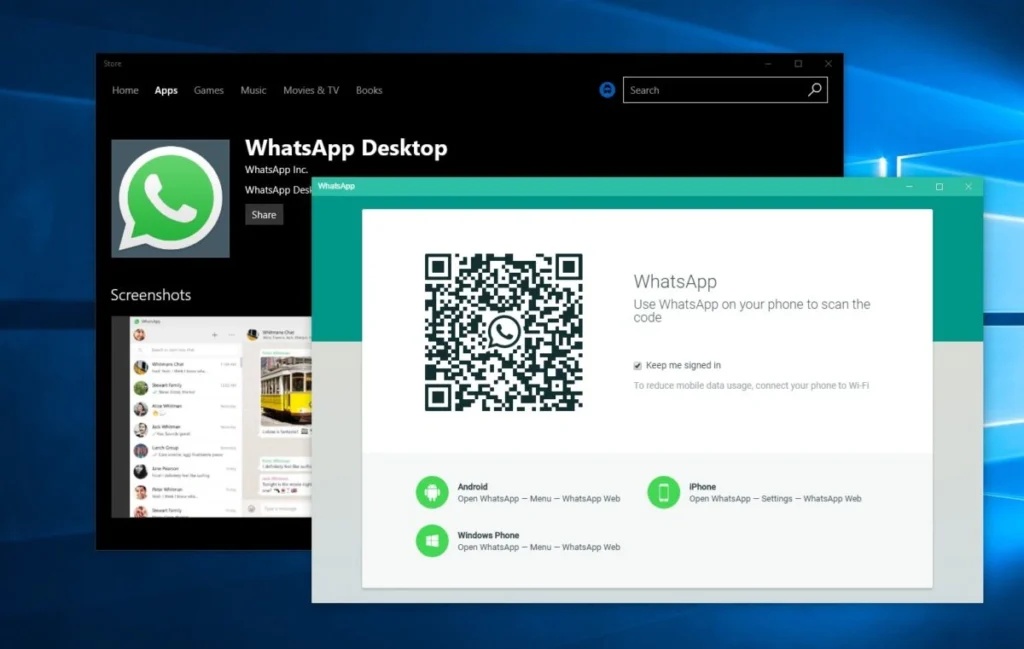
Meta-owned messaging giant WhatsApp has officially expanded its feature suite by launching native browser-based audio and video calling. The major update allows users to place and receive individual or group calls directly through their web browsers on WhatsApp Web without needing to download or install dedicated desktop applications.
The feature is particularly beneficial for students using shared library workstations, professionals operating locked-down company laptops, and users who prefer browser-based multitasking.
Key Features Introduced in WhatsApp's Latest Update
The browser update aligns WhatsApp Web with desktop and mobile clients by introducing powerful collaboration tools, end-to-end encryption, and seamless cross-device integration:
| Feature | Description & Utility |
|---|---|
| Web Browser Calling | Supports 1-on-1 and group voice/video calls directly via web.whatsapp.com with end-to-end encryption. |
| Call Transfer | Allows users to seamlessly switch an active group call from a smartphone to a desktop or tablet mid-call without disconnecting. |
| Waiting Room | Provides meeting hosts control over participants via a host approval gate when creating call links. |
| QuickHD Video | Eliminates buffering delays by rendering high-definition video within the opening seconds of a call. |
| Noise Suppression | Uses smart audio filtering to eliminate unwanted ambient background sounds in noisy environments. |
| In-Call Utility Tools | Unlocks real-time screen sharing, emoji reactions, and a dedicated 'Calls Tab' for call logs and favorite contacts. |
How to Access Web Calling on WhatsApp
Users can start placing calls on WhatsApp Web by following these simple steps:
Open Browser: Access web.whatsapp.com on any modern desktop browser.
Pair Device: Scan the QR code using the WhatsApp application on your smartphone to log in.
Navigate to Calls: Click on the dedicated Calls Tab located on the left sidebar navigation menu or open an individual chat.
Initiate Call: Click the camera or telephone icon to start a video or audio call, granting camera and microphone permissions when prompted.
This gradual global rollout marks a significant step in WhatsApp's expansion, positioning its browser interface as a direct competitor to traditional video-conferencing suites like Google Meet and Zoom.





_174136323_351x234.jpg)
_1264800509_351x234.jpg)